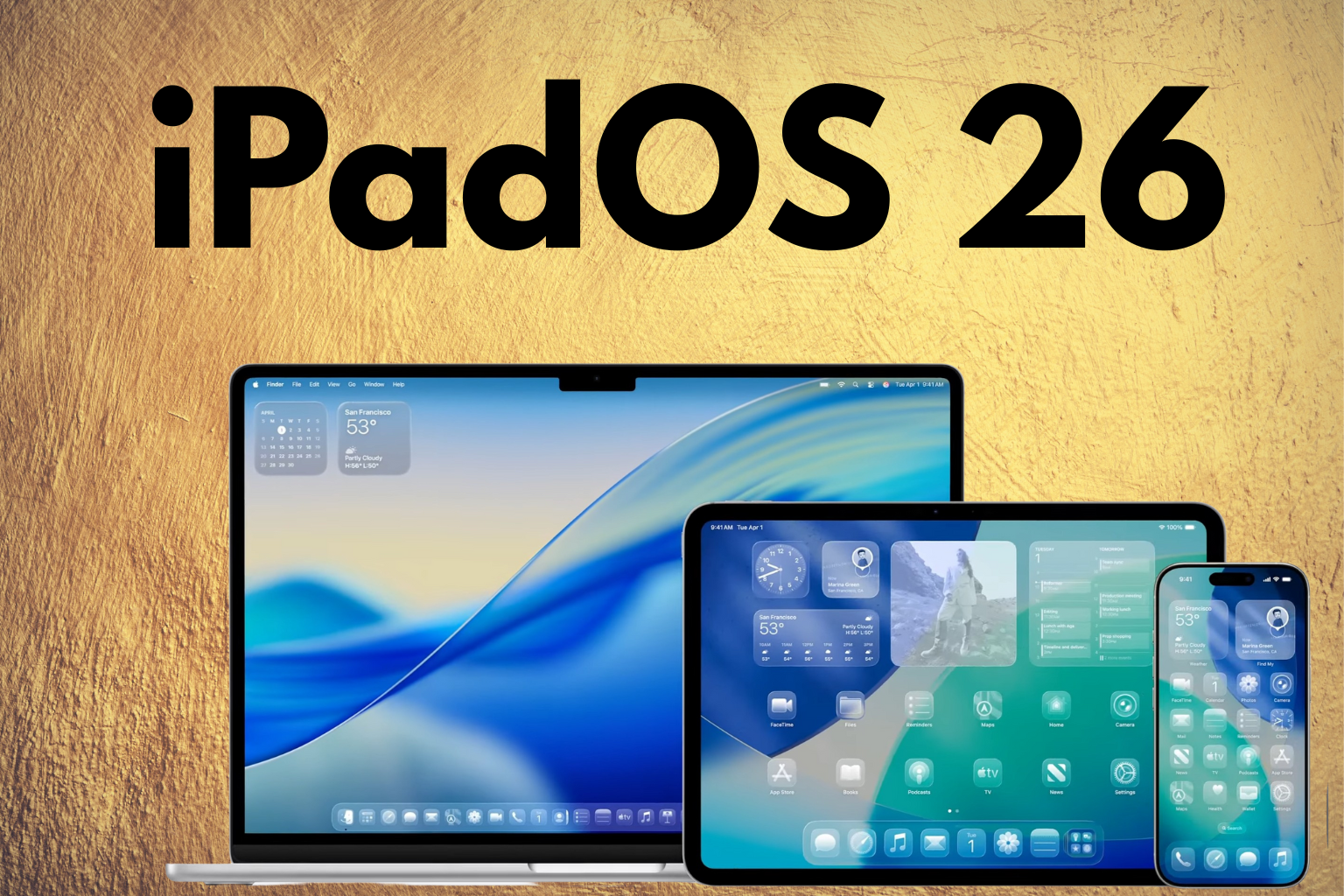
Apple is redefining what the iPad can do with iPadOS 26, its most significant iPad update yet. With a stunning new Liquid Glass design, powerful Mac-like window management, and deep integration of AI tools via Apple Intelligence, this update makes iPads feel closer to a full-fledged desktop experience.
Liquid Glass Design – A Whole New Look for iPad
iPadOS 26 debuts a full design overhaul called Liquid Glass. This new interface introduces a dynamic, translucent look across the system, refreshing how the Lock Screen, Control Center, and icons appear. The glassy aesthetics create a sense of depth and motion, making each interaction more immersive. The animations are smoother, transitions feel more fluid, and the overall design echoes Apple’s ongoing goal of blending beauty with functionality.
True Multitasking with Powerful Mac-Style Windowing
One of the most notable upgrades in iPadOS 26 is the reimagined windowing system. For the first time, users can resize app windows freely and manage them using familiar macOS-style “traffic-light” controls minimize, close, and full-screen. This is a major shift from the limited Split View and Slide Over modes, both of which are being phased out in favor of this more flexible and intuitive system.
A new Exposé view allows users to quickly view and switch between open apps, while a persistent menu bar becomes accessible by swiping down from the top. These features make multitasking on iPad feel significantly more powerful and desktop-like, especially for users who rely on multiple apps for creative or professional workflows.
New Apps Make Their Way to iPad
With iPadOS 26, Apple brings several macOS apps to the iPad. Journal now supports Apple Pencil with mood tracking and media-rich entries. Preview offers full PDF and image editing with markups and AutoFill. The new Games app organizes your titles and challenges, while the Phone app enables VoIP calls with features like Call Screening and Hold Assist, turning the iPad into a communication hub.
Apple Intelligence – Smarter iPads Start Here
iPadOS 26 introduces Apple Intelligence to the iPad, unlocking powerful AI tools for everyday use. Live Translation enables real-time conversations across languages in apps like Messages and FaceTime. You can create custom emojis with Genmoji, and generate artwork in styles like Anime and Oil Painting using Image Playground. These features are integrated throughout the system, enhancing apps like Notes, Reminders, and Shortcuts with smarter, faster workflows.
Release Timeline
Apple released the developer beta of iPadOS 26 on June 9, 2025, followed by the public beta on July 23. The final public version is expected to roll out between September 15 and 22, following Apple’s usual annual update cycle.