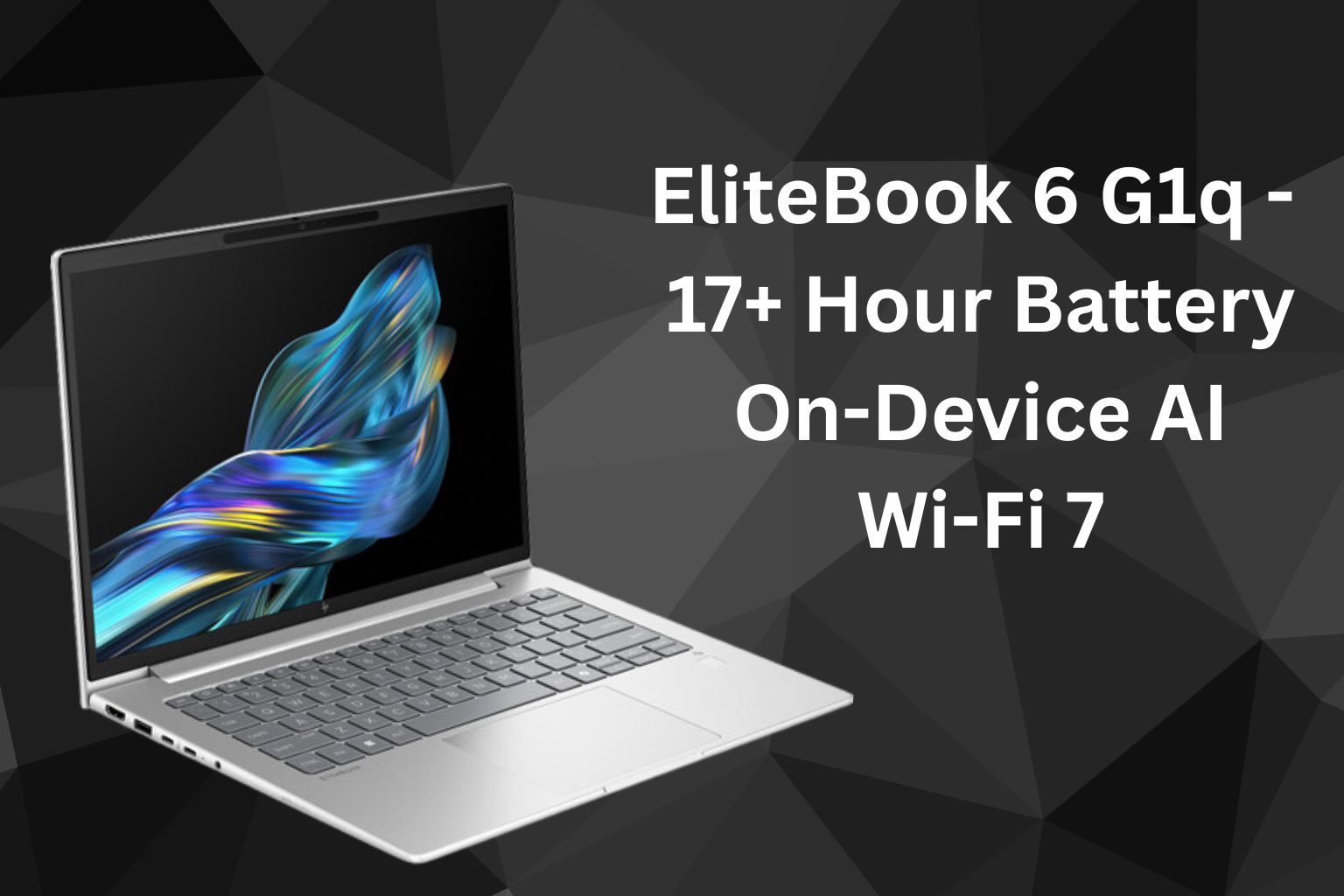
Discover the HP EliteBook 6 G1q, launched in June 2025 with Snapdragon X Elite, Copilot+ AI tools, up to 26-hour battery life, and enterprise-grade security. Explore specs, pricing, and features.
Design and Build
The HP EliteBook 6 G1q introduces a refined and sustainable design for the modern business user. Built from recycled aluminum and ocean-bound plastics, it maintains a premium, eco-conscious appeal. At just 1.35 kg and 0.43 inches thin, the device is ideal for on-the-go professionals.
The minimalist chassis is finished in a clean silver tone with subtle branding. The full-sized backlit keyboard, large touchpad, and narrow display bezels contribute to its polished, professional look.
Display and Visual Experience
The laptop features a 14-inch IPS display with a resolution of 2240×1400 (2.2K) and a 16:10 aspect ratio. The screen offers 100% sRGB coverage, making it suitable for creative and color-sensitive tasks.
While peak brightness is rated at around 300 nits, the anti-glare coating and crisp resolution ensure comfortable viewing in indoor environments. Some variants also offer touchscreen support for enhanced interaction.
Powered by Snapdragon X Elite
At the heart of the EliteBook 6 G1q is the Snapdragon X Elite X1E‑78‑100 processor, designed on ARM architecture. It offers 12 cores with clock speeds up to 3.4 GHz and includes a 45 TOPS NPU for local AI workloads.
This chip enables efficient multitasking and is highly optimized for AI applications. The fanless design keeps the laptop completely silent during operation, without compromising thermal stability.
Integrated AI Features with Copilot+
The EliteBook 6 G1q is built for Microsoft’s Copilot+ platform, offering hardware-accelerated AI tools. Key features include:
- Recall: Visual timeline search to instantly retrieve past files, messages, or web activity
- Live Captions & Translation: Real-time transcription and language translation across apps
- HP AI Companion: On-device optimization, summaries, and system tuning
- Studio Effects 2.0: Auto-framing, noise reduction, and background blur during video calls
All features are executed on-device via the dedicated NPU, ensuring privacy and responsiveness.
Security and Enterprise Features
The EliteBook 6 G1q ships with HP Wolf Security for Business, a suite of enterprise-grade protections. It includes:
- BIOS-level recovery with HP Sure Start
- TPM 2.0 hardware encryption
- Facial recognition via IR camera
- Optional smart card support
- Secure Boot & Credential Guard
These features meet enterprise compliance needs and provide robust protection for sensitive data.
Ports and Connectivity
Despite its thin design, the laptop offers a practical set of I/O options:
- 1 × USB-C (Thunderbolt-class)
- 1 × USB-C (10 Gbps)
- 1 × USB-A
- 1 × HDMI 2.1
- 1 × RJ-45 Ethernet
- 1 × 3.5mm combo audio jack
- Nano security lock slot
Wireless options include Wi-Fi 6E or Wi-Fi 7 and Bluetooth 5.4. Select variants offer 5G WWAN for uninterrupted mobile connectivity.
Battery Life and Charging
The HP EliteBook 6 G1q is equipped with a 56–59 Wh lithium-polymer battery, optimized for ARM efficiency. HP claims up to 26 hours of battery life, with typical workloads achieving around 17–20 hours.
The laptop supports HP Fast Charge, which can recharge up to 50% in 30 minutes, ideal for travel or tight work schedules.
Configurations and India Pricing
The EliteBook 6 G1q was launched globally in June 2025, with Indian availability beginning in July 2025. It comes in multiple configurations:
| Variant | RAM | Storage | Price (INR) |
| Base | 16 GB | 256 GB SSD | ₹87,440 |
| Mid | 32 GB | 512 GB SSD | ₹1,29,990 |
| High-End | 64 GB | 1 TB SSD | ₹1,68,999 |
All variants come with Windows 11 Pro Copilot+, a backlit keyboard, IR camera, and business-grade build quality.
Software Compatibility
The laptop is optimized for ARM-native apps, with full support for:
- Microsoft Office suite
- Adobe Photoshop (ARM)
- Zoom, Teams, Slack, Chrome, Edge
- Visual Studio Code (Insider build)
x86-based apps run through Windows emulation, and most popular software functions well. However, niche or legacy enterprise software may require testing for compatibility.